
Better Hours vs. BreakTimer: A Complete and Fair Comparison
Let's talk about work.
We all hate it. But we have to do it.
Especially if you work from home.
It can be exhausting. There's no natural switch between work and home.
It's lonely. Or the kids are going crazy (hasn't happened to me yet... maybe some day).
But I have good news.
There are two tools I want to talk about today, both for people who work from home: Better Hours and BreakTimer.
Quick verdict
I liked both, for different reasons.
- Best overall: Better Hours
- Best for budget: BreakTimer
How they compare
| Better Hours | BreakTimer | |
|---|---|---|
| Price | $9 once, no subscription | Free, open-source |
| Setup | In-browser, no download | Desktop app, download |
| Breaks | Eye, movement, breath | Any custom type |
| Mobile | Yes | No |
| Polish | Sleek | A bit rough |
| Best for | Most people | Trying it on a budget |
Why breaks matter
Most people are wiped out at the end of a work-from-home day.
I think it's because they're not taking breaks properly.
I figured this out after reading about eye breaks.
There's a Huberman bit about looking at things far away. It's true.
Nerds wear glasses for a reason (nerd isn't an insult here, I am one :)).
So let's get into the products.
What is Better Hours?
Think pomodoro timer, but with smart breaks that tell you when to step away.
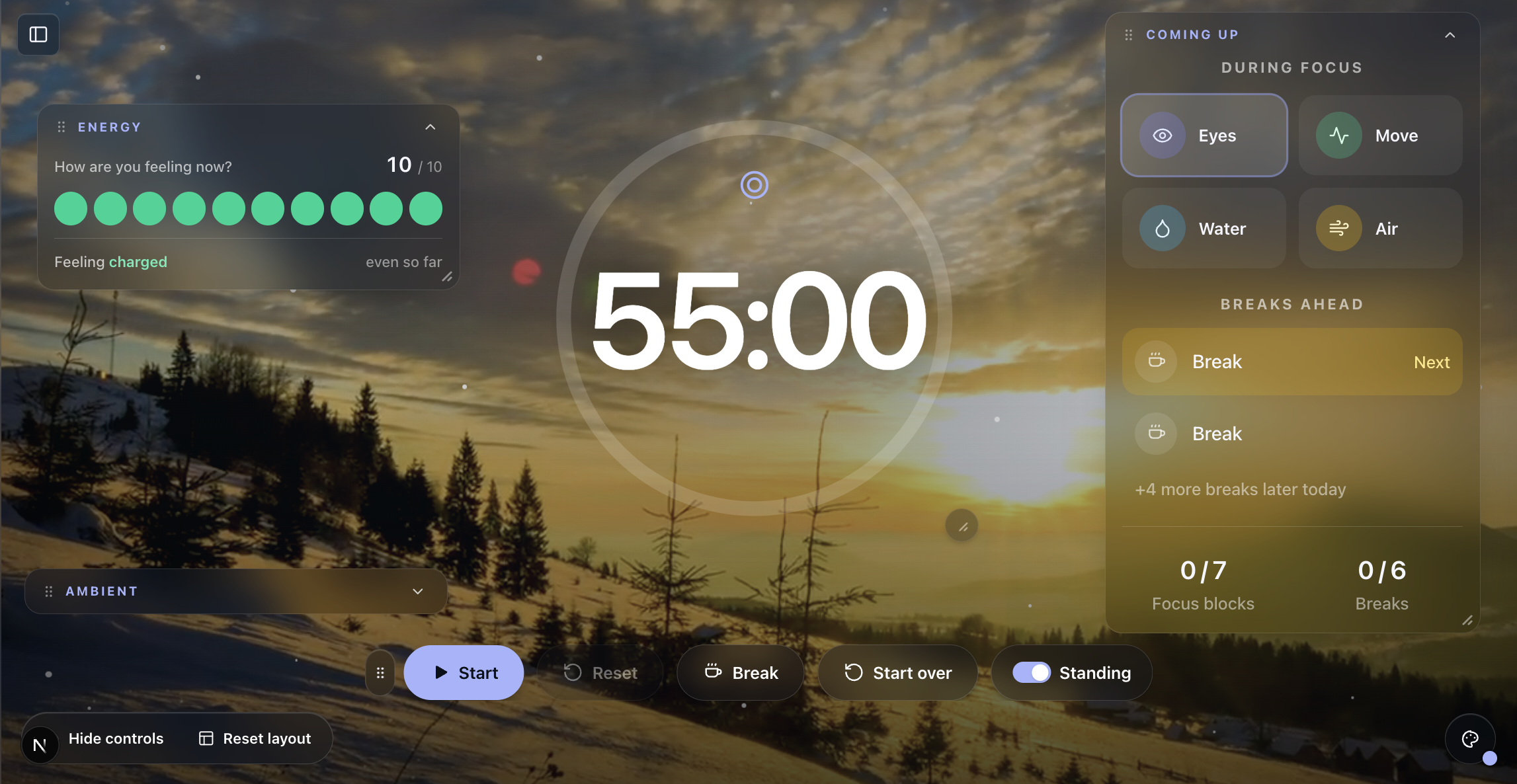
You get eye, movement, and breath/outdoor breaks. All customizable.
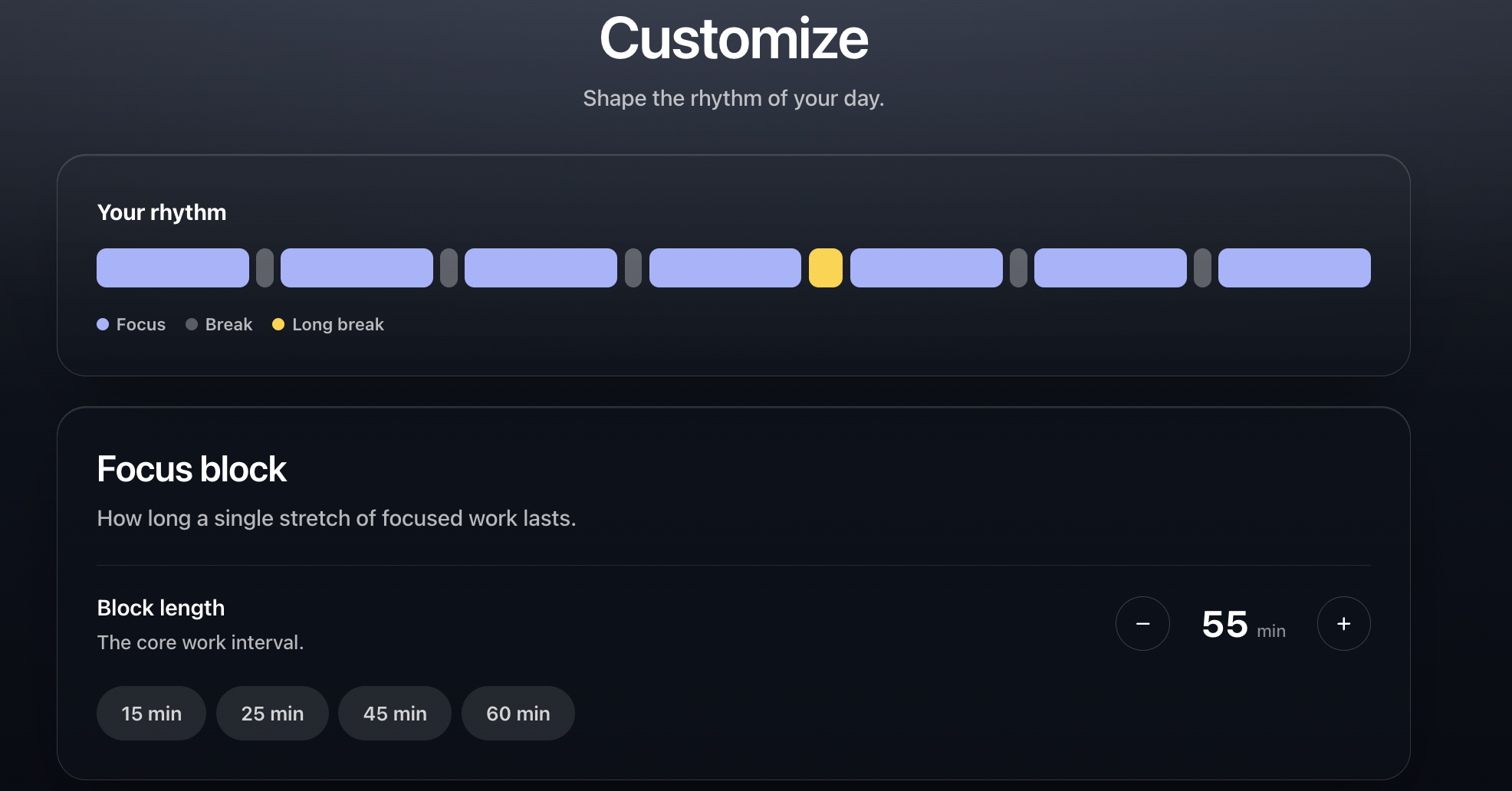
When a break lands, it tells you what to do and asks how you feel.
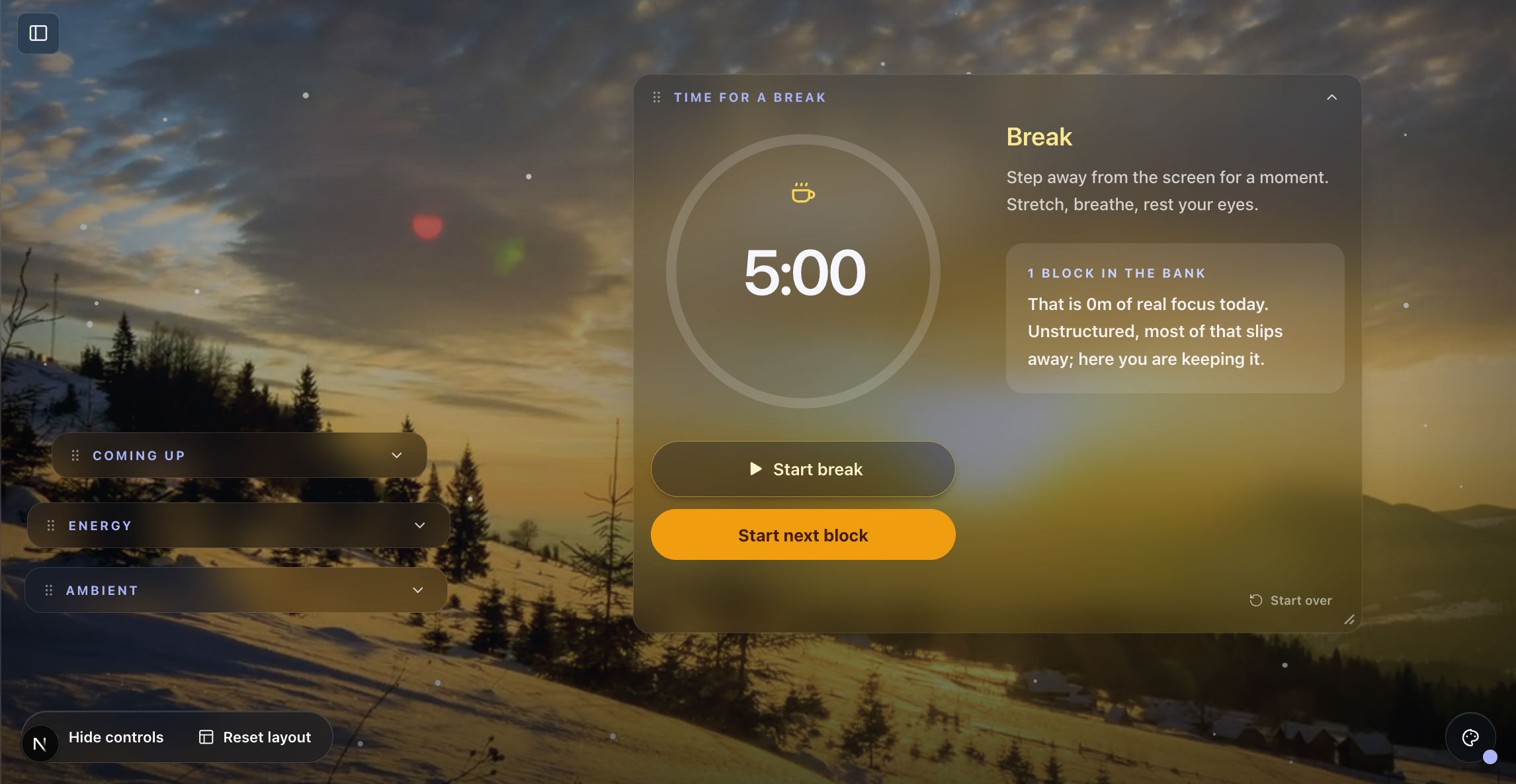
You can also track streaks and time worked.
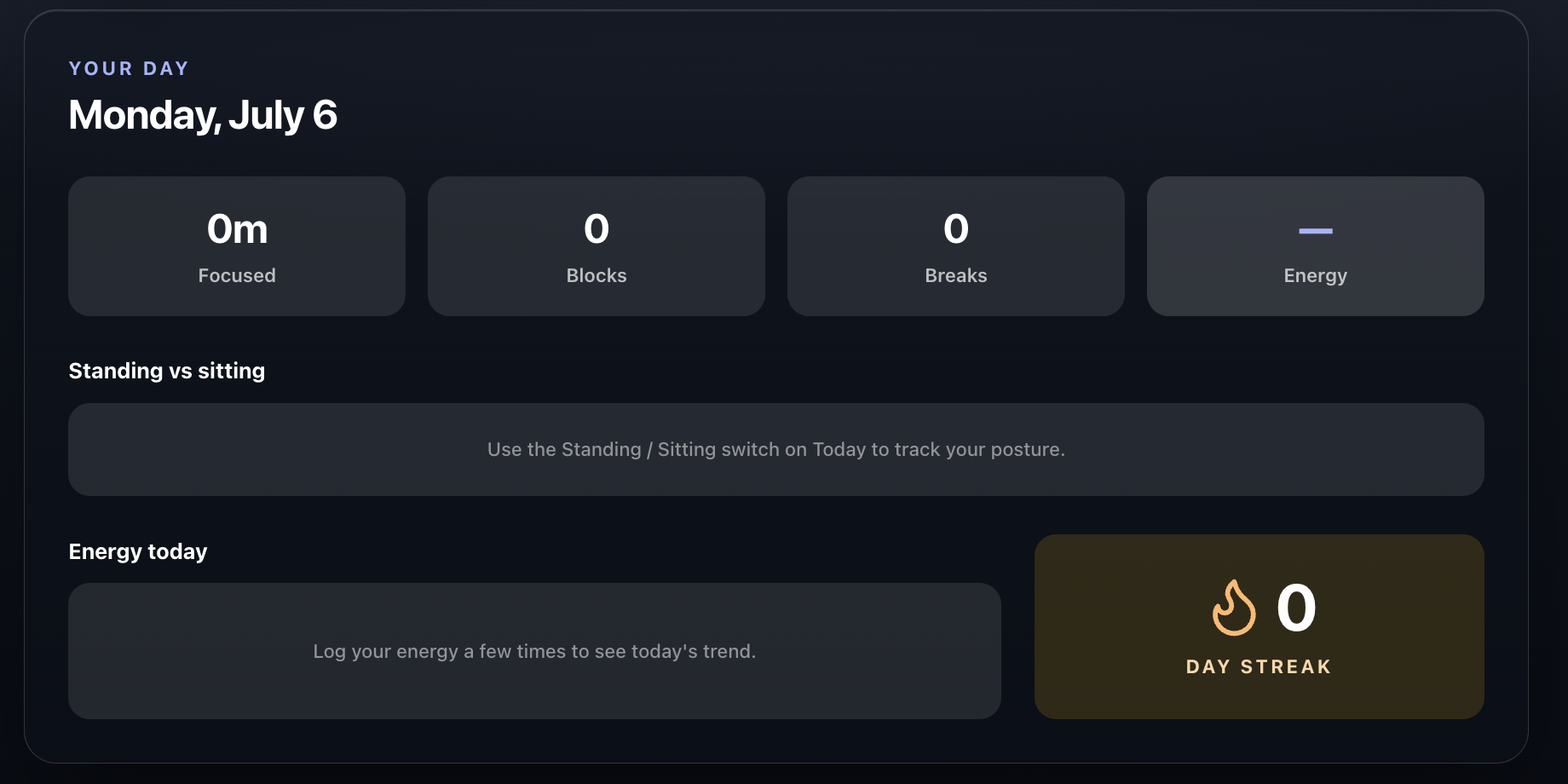
It runs in the browser. Nothing to download.
What is BreakTimer?
Very similar, and also a great app.
You have to download it. No browser version.
The best part: you can set up any custom break type.
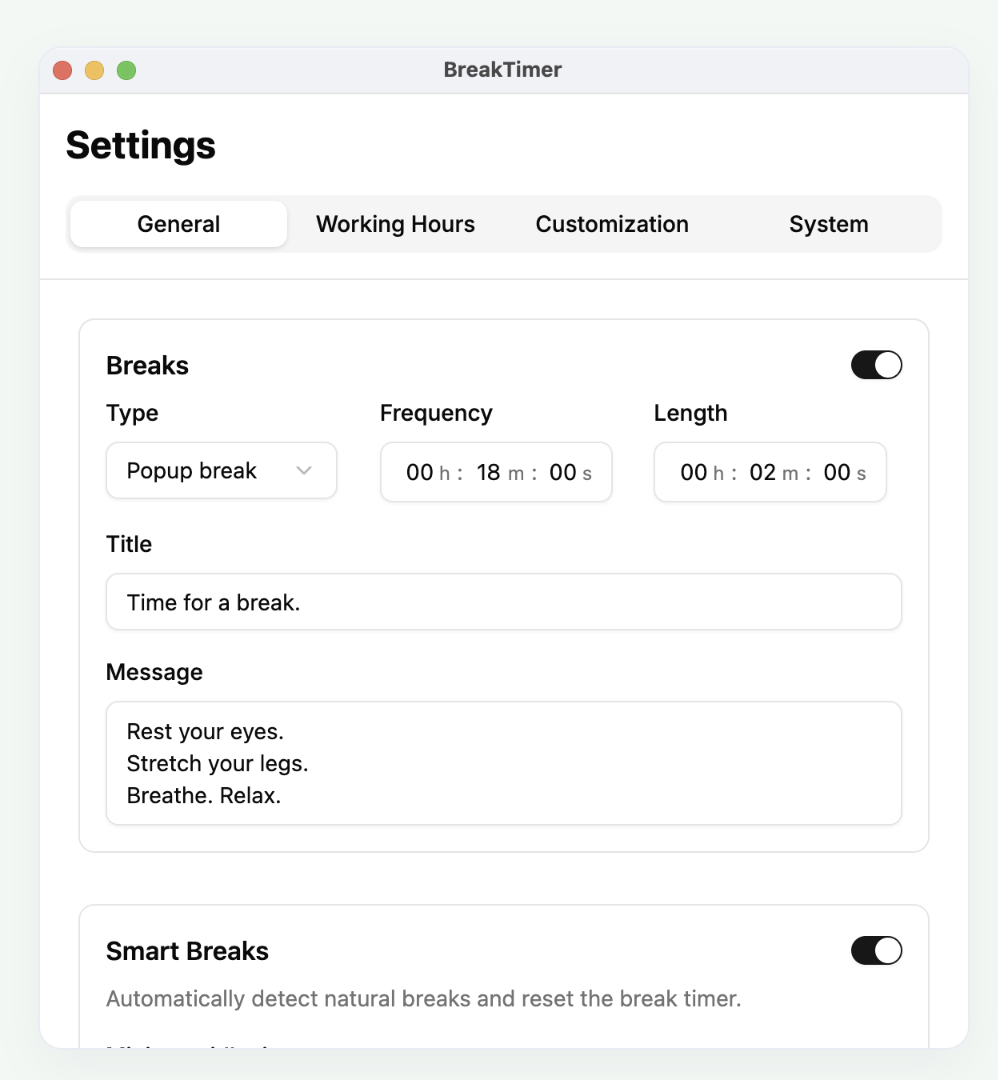
That's something Better Hours doesn't do yet. (What if I want a "take my kid to X" break, so I don't forget? lol)
You can also limit breaks to your working hours.
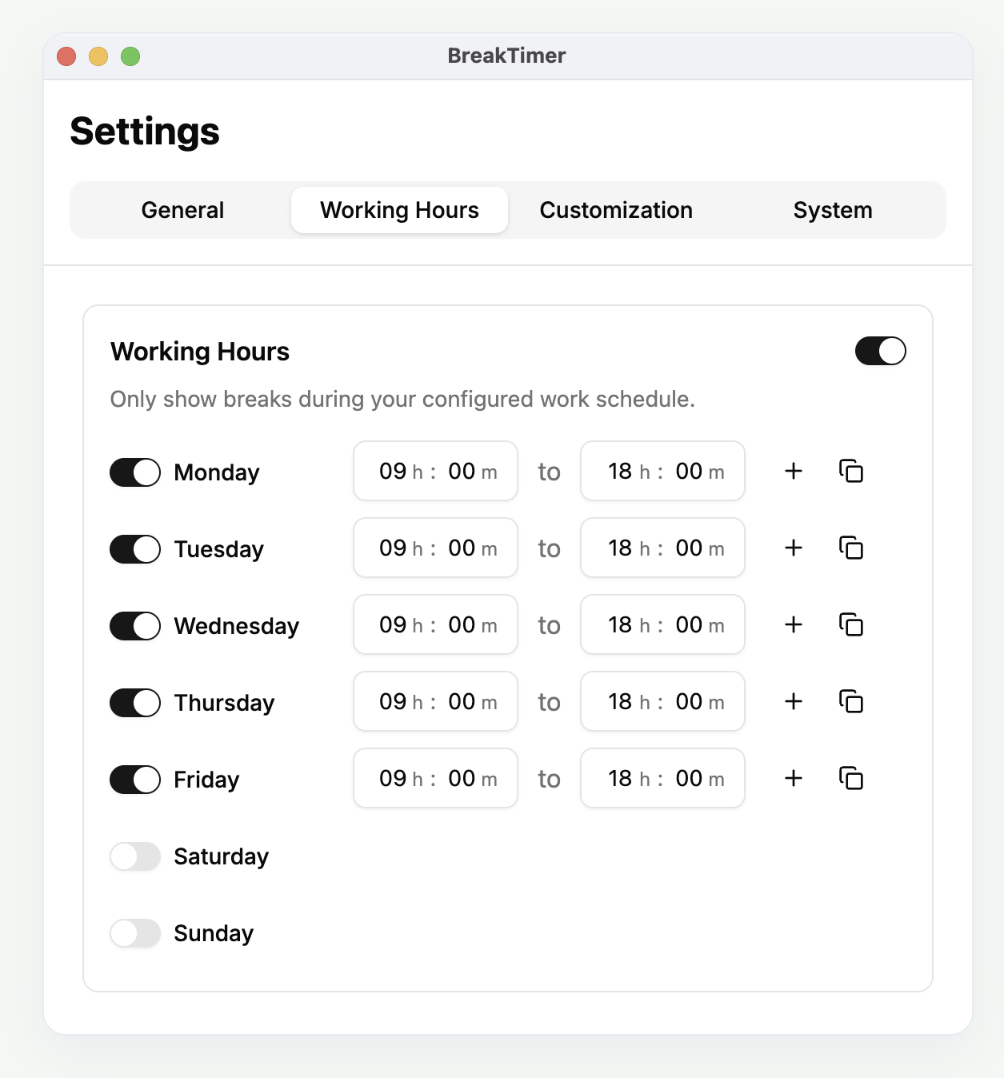
Since it's free, it can be a little buggy.
At one point a pile of snooze/start prompts popped up at once when a break came due.
The UI doesn't feel as sleek to me. Picky, I know. But I care how an app looks. (Then again, it's free.)
So which should you pick?
If you're not sure you even need a break timer, start with BreakTimer. It's free.
But Better Hours has the polish.
It's $9 for a limited time, with a lifetime guarantee.
I'm tired of subscriptions (I have way too many, lol).
I haven't found many browser-based alternatives.
If you know one I should review, send me an email!
Have a good one, remote workers.